Incident report · sourced reporting + labeled satire
GPT-6’s Intelligent UI hands you buttons mid-answer like a pop-up shop in your chat
OpenAI says ChatGPT can now reply with charts, forms, and tappable controls. The interface got ambitious. Your judgment still has a day job.
Channel 404 · Night Shift intercept
INCIDENT / FIELD REPORT / HUMAN EYES OPEN
The machine has entered the chat.
Original ANALTHROPIC visual nonsense for a serious problem. The reporting begins directly below; the neon is here to make the danger easier to spot.
FICTIONAL BROADCAST GRAPHICS NOT A PRODUCT DEMO

Technology analysis with satire // SOURCED REPORTING
OpenAI says ChatGPT can now reply with charts, forms, and tappable controls. The interface got ambitious. Your judgment still has a day job.
You used to get a paragraph. Sometimes a list. Occasionally a confident wrong answer wearing a lab coat made of adjectives. That was the deal: words in, words out, you still had to do the embarrassing part called deciding.
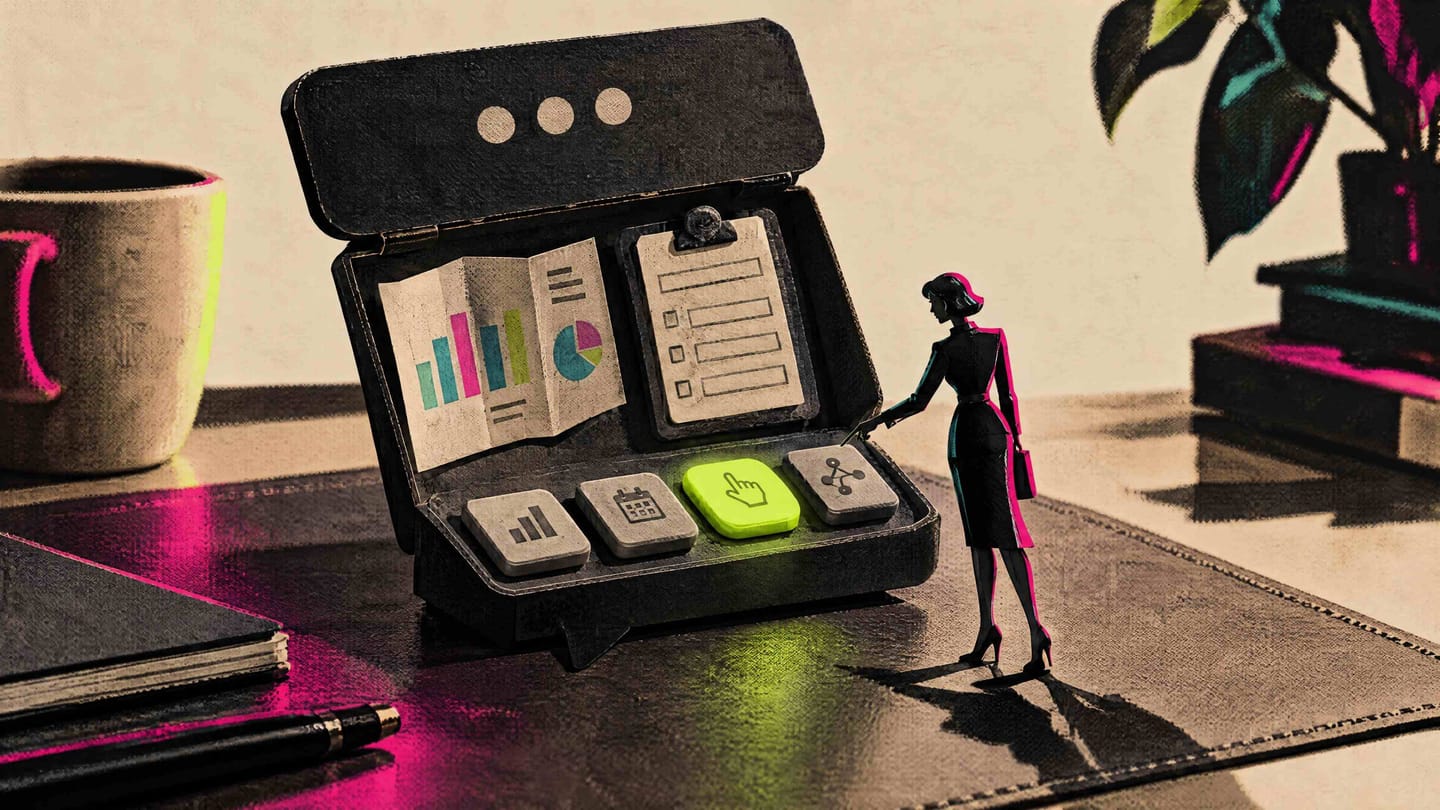
Now the assistant wants to hand you furniture. Buttons. Forms. Charts. Little tappable detours that make the reply feel less like a memo and more like a kiosk that followed you home.
That is the texture of OpenAI’s GPT-6 Intelligent UI pitch. You asked a question. The product answered by building a temporary interface around your curiosity. Cute, until you notice you are one tap away from treating a generated control panel like a finished decision.
On October 7, 2026, OpenAI said GPT-6 adds Intelligent UI to ChatGPT: responses that can mix text with visuals, tappable controls, forms, charts, and other interactive elements tailored to the question. It described a staged global rollout for Plus, Pro, Business, and Enterprise first, Free and Go next, with Enterprise still dependent on administrator settings. Those are vendor claims about design and availability.
ANALTHROPIC’S
DAILY TOP 5:
HOW NOT TO GET
FUCKED BY AI
Screenshot the plan before you trust the widgets
Anyone using ChatGPT on a mixed Free/paid household or work login Open the ChatGPT account you actually use, note the plan badge (Free, Go, Plus, Pro, Business, or Enterprise), and save a dated screenshot of whether interactive elements appear in a fresh test prompt this week. OpenAI described a staged Intelligent UI rollout by tier, with Enterprise also tied to admin settings. Your neighbor’s demo is not your access state. You have a dated screenshot plus a one-line note of plan name and whether you saw non-text controls. A screenshot proves what your account showed once, not global parity or future defaults. [S1]
Make the pretty chart earn a boring second source
Freelancers who might paste assistant output into client decks If a reply includes a chart, table-like structure, or tappable option set, copy the key numbers or claims into a separate note and verify each against your primary spreadsheet, brief, or client source before the artifact leaves your machine. Intelligent UI, as described, can make answers look finished. Finished-looking is not the same as source-backed. Your outbound draft cites a human-checked source beside any chart-derived figure you kept. This is a workflow gate, not a guarantee the model’s visual was calculated correctly upstream. [S1]
Treat chat forms like a stranger’s clipboard
Regular users tempted to type life admin into convenient fields Before filling any assistant-generated form fields, strip passwords, full payment details, government IDs, and health particulars. Use placeholders or keep sensitive intake in the system you already trust for that data. OpenAI says responses may include forms and other interactive elements. Interactive is not the same as appropriate for high-sensitivity data. Your test run uses dummy values; real secrets never entered the chat form. This reduces exposure; it does not audit OpenAI’s full retention or enterprise logging setup. [S1]
Enterprise: named human owns the on-switch
Owners and ops leads on Business/Enterprise ChatGPT Message your workspace admin one plain question: is Intelligent UI / GPT-6 interactive responses enabled for our workspace, for which groups, and who can disable it? Save the reply next to your AI use note. OpenAI states Enterprise availability can depend on administrator settings. If nobody owns the gate, the feature becomes ambient policy. You have a written admin answer naming enablement status and a rollback owner. Admin confirmation covers access policy, not quality of every generated control. [S1]
Run the same three jobs with and without the toys
Builders and power users evaluating whether interactive replies help real work Pick three recurring tasks (intake summary, options comparison, simple numeric explanation). Run each once preferring plain text and once allowing interactive elements if shown. Log task time, edit distance to final, and any incorrect control or chart you had to discard. OpenAI’s claim is tailored interactive composition. Your evidence should be task outcomes, not launch vibes. A short table exists with three tasks, two modes, and notes on corrections required. A personal sample is not a benchmark study; keep client-facing stakes low until patterns stabilize. [S1]
OKAY, HERE’S THE ACTUAL SHIT
OKAY, HERE'S THE ACTUAL SHIT.
OpenAI’s October 7, 2026 product announcement states that GPT-6 introduces Intelligent UI, which it describes as letting ChatGPT compose responses using text, visuals, tappable controls, forms, charts, and other interactive elements tailored to the question [S1].
On availability, OpenAI says the rollout began globally for ChatGPT Plus, Pro, Business, and Enterprise users, with Free and Go planned to expand the following day, and Enterprise availability dependent on administrator settings [S1].
Read that narrowly. This evidence packet is one official publisher post. It supports what OpenAI claims it shipped and how it says access stages across plan tiers. It does not independently verify that every account sees the same interactive behaviors, that generated charts are accurate, that forms are appropriate for sensitive intake, or that tappable flows reduce errors rather than accelerate confident clicking [S1].
Event date in the registry is 2026-10-07. Publication date matches. Retrieval sits later; that does not turn the announcement into a third-party evaluation. Copies of the same launch story would still be one origin. Here we have the origin, and we are not pretending it is a lab report.
WHY AN ACTUAL HUMAN SHOULD CARE
WHY AN ACTUAL HUMAN SHOULD CARE.
Plain-text answers fail in public: you can quote them, argue with them, or delete them. Interactive answers fail more quietly. A wrong chart still looks like a chart. A tidy form still looks like a process. A tappable path still feels like progress even when it is only UI confidence cosplay.
If you freelance or run a small shop, Intelligent UI—as OpenAI describes it—can be genuine leverage for structuring messy client questions, sketching options, or turning a ramble into something you can inspect. The trap is shipping the inspection step. “It rendered a control” is not the same as “we validated the numbers, the legal language, or the customer promise.”
Everyday readers get a new habit pressure: tap to continue. That is harmless for trip ideas and dinner math. It is a bad reflex for money movement, identity details, medical self-triage, or anything you would not enter into a random website kiosk at the mall.
There is a real upside if interactive layout reduces copy-paste friction and helps you see structure. There is a real downside if the product’s polish outruns your permissions hygiene, your admin gates, and your willingness to say the chart is pretty and still untrusted. OpenAI is selling composition flexibility. You still buy the consequences of what you click [S1].
WHAT WE DON’T KNOW
WHAT WE DON'T KNOW.
We do not know, from this source alone, how often Intelligent UI’s charts, forms, or controls are wrong, misleading, inaccessible, or inconsistent across devices and tasks [S1]. We do not know the full Enterprise admin control surface beyond OpenAI’s statement that availability can depend on administrator settings [S1]. We do not have independent measurements of error rates, data handling inside generated forms, or whether Free/Go expansion matched the planned next-day story in every region. Vendor design intent is not proof of identical real-world behavior.
SATIRE: HUMANITY SUPPORT
Issue: Chat replied with buttons, a chart, and a form. I only asked what day the recycling goes out.
Response: Thank you for contacting Humanity Support. Your assistant has been promoted from narrator to interior decorator. Please complete the optional form titled Still Your Problem. If the chart conflicts with your bin schedule, trust the bin. Interactive elements are a presentation layer, not a municipal authority.
Status: SATIRE — fictional Humanity Support ticket · Closed-open · User remains responsible for taps
Chat used to compete on sentences. Now it competes on whether the reply can impersonate a tiny product. OpenAI’s Intelligent UI claim is straightforward on paper: richer composition, staged access, admin-gated enterprise. The human job did not get staged out. If the interface is going to hand you controls, keep the one control that still matters: declining to confuse a tappable answer with a finished decision.